Why One App Never Seems to Be Enough
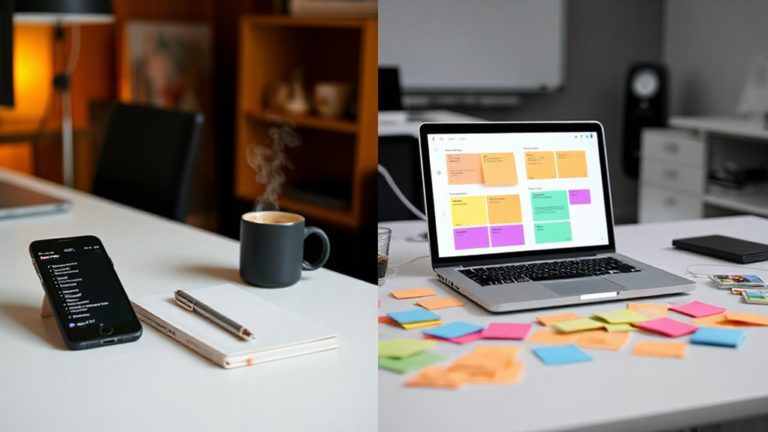
Many people begin their productivity journey with a single app, only to find themselves juggling three or four within a few months. This pattern often reflects workflow complexity rather than a shortage of available tools. Collaboration needs, differing organizational styles, and feature gaps frequently push users toward specialized apps. Effective team management also requires clear roles and communication, which can drive app proliferation for coordination and alignment.
One tool may handle team projects while another captures personal tasks. However, this fragmentation carries real costs, including duplicate entries, missed items, and extra maintenance. Understanding why multi-app habits develop is the first step toward building a system that genuinely supports focus rather than quietly undermining it. No matter how many options exist, trade-offs are unavoidable when selecting any single tool to meet every workflow demand.
Tasks commonly remain scattered across emails, sticky notes, notebooks, and memory even after switching to a new app, revealing that the tool is not the problem. Bringing everything into one trusted place creates a single point of truth that reduces cognitive overload and supports clearer decision-making.
The Features That Actually Keep Tasks and Schedules in One Place
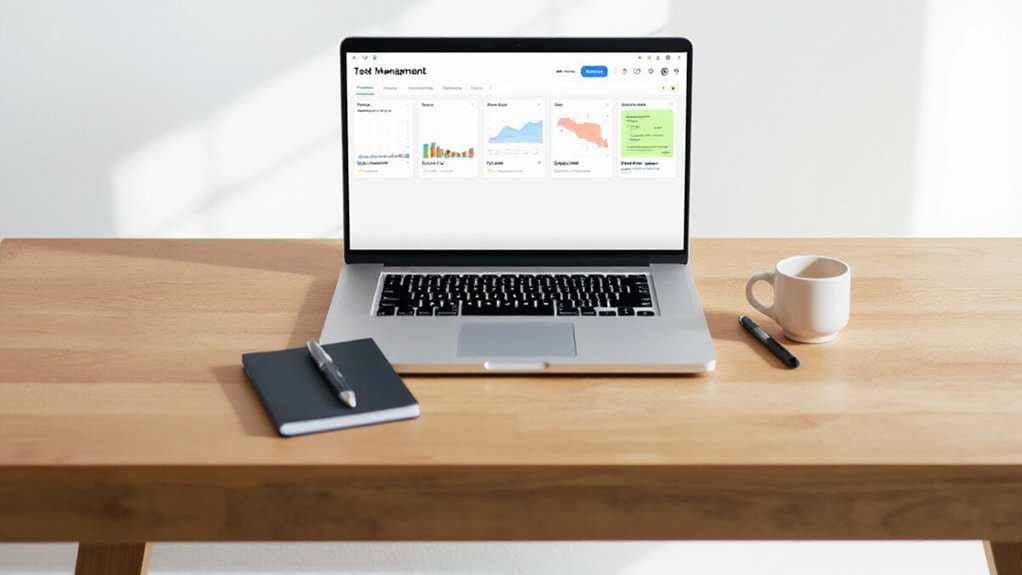
The right feature-set, not the right number of apps, is what ultimately determines whether a planning system holds together. Unified calendar-task visibility exposes open time slots alongside existing commitments, making overcommitment easier to avoid. Drag-and-drop scheduling converts static task lists into concrete time blocks, while recurring task support eliminates manual re-entry for weekly meetings or monthly bills.
Filtering and grouping controls keep views clean by surfacing only what matters most. Home-screen widgets reduce constant app switching by placing today’s priorities and schedule in immediate view, creating a continuous, low-friction planning loop that supports both professional projects and personal responsibilities. Bidirectional sync with existing calendar systems such as Google Calendar, Outlook, and Apple Calendar ensures that any planning done on one platform is immediately reflected across all connected devices and tools.
Tools like Asana support workspaces for separate teams, allowing distinct collaboration environments to coexist without overlap, which is especially valuable when managing multiple clients or departments simultaneously. Centralized platforms also save time by eliminating app-switching and consolidating communication, project management, and file sharing in one place.
Solo Planner or Team Lead? Which Task and Scheduling App Fits Your Setup?
Whether someone works alone on creative projects or leads a distributed team through complex deliverables, the right task and scheduling app depends far less on brand recognition than on actual workflow demands.
Solo planners typically benefit from fast capture, low friction, and simplicity, making tools like NotePlan, TaskPaper, or TickTick strong candidates. Many solo tools also offer reliable offline functionality so work continues during travel or outages.
Team leads, however, need assignment tracking, shared timelines, and accountability features that platforms like ClickUp, Asana, and monday.com provide.
Matching the tool to the actual working structure, rather than choosing the most popular option, reduces setup friction and supports consistent follow-through across every task and deadline. Some tools target independent workers specifically, such as Solocrafter, which combines Kanban, Time Blocking, and AI into a single app designed for solo makers and solopreneurs.
Todoist remains a strong cross-platform option for individuals and teams alike, offering natural language input that automatically parses dates, recurrence, projects, and priorities from a single line of text.
The Best Apps That Handle Tasks and Scheduling in One Place
Once the right working structure is identified—solo or team-based—the next practical question becomes which apps actually combine task management and scheduling into a single, cohesive experience.
Several strong options emerged from 2026 reviews by Zapier and Wirecutter.
- Todoist balances power and simplicity with natural language input and flexible organization
- TickTick combines tasks, calendar views, and a built-in Pomodoro timer in one place
- Any.do supports daily planning through structured reminders and a dedicated scheduling feature
- Microsoft To Do serves users already working within the Microsoft 365 ecosystem
TickTick stands out most for unified task and time management. It also supports third-party calendar integration for time blocking, allowing tasks to be scheduled directly alongside existing calendar commitments.
Todoist reinforces its reliability through daily automatic backups and data encryption, giving users confidence that their task history remains protected across devices.
AI also helps streamline these workflows by automating agenda creation and action item capture from meetings to reduce manual follow-up.
How to Commit to One Task and Scheduling System for Good
Choosing the right app is only half the challenge—committing to a single, consistent system is where most people struggle. Success depends on routing every task through one intake path, eliminating duplicate capture locations across notes, chats, and inboxes. Many users find that integrating a simple weekly review into their routine ensures the system stays current and reliable.
A clear selection rule matters: choose based on workflow fit, not feature count. Activating too many optional modules often creates the same fragmentation the system was meant to solve.
Recurring tasks should be stored as recurring entries, never rebuilt manually. A weekly review process locks the habit in place, keeping deadlines visible and preventing schedule drift when priorities shift mid-cycle.
Top-rated platforms like monday.com, Asana, and ClickUp each earned features scores above 8.9 while taking distinct approaches to scheduling, dependencies, and workload visibility. Todoist, trusted by more than 50 million users, reinforces this single-system approach through natural language input, flexible views, and deep calendar sync across every major device.