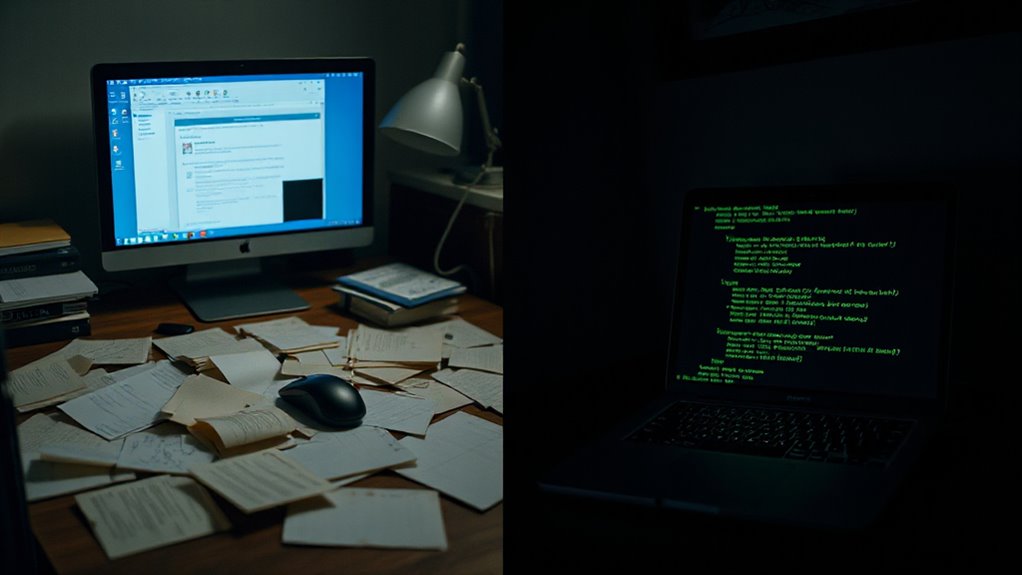
For users who spend countless hours organizing their knowledge base, Obsidian CLI represents a fundamental shift in how note management tasks can be executed.
Obsidian CLI fundamentally transforms note management from manual GUI navigation into streamlined command-line automation for knowledge base power users.
This command-line interface automates repetitive manual tasks that traditionally required navigating through folders, opening applications, and performing operations one file at a time. By enabling vault-wide operations directly from the terminal, it eliminates the delays and friction associated with GUI-based note management.
The tool’s core functionality addresses the most time-consuming aspects of maintaining an extensive note collection. Users can create notes from terminal prompts, search entire vault contents instantly, and apply templates without launching the full application.
Perhaps most substantially, it handles bulk operations like renaming tags across thousands of files, a task that would be prohibitively tedious through manual methods. The included TUI mode provides an interactive terminal interface for those who prefer visual feedback while maintaining command-line efficiency.
What makes Obsidian CLI particularly valuable is its speed advantage over traditional approaches. Vault-wide searches execute faster than folder browsing, and quick edits avoid Obsidian’s startup delays entirely.
The tool supports scriptable workflows for recurring tasks, transforming one-time manual processes into repeatable automated sequences. For users familiar with Vim motions and keyboard shortcuts, the integration feels natural and extends existing productivity habits.
The CLI maintains full compatibility with Obsidian’s fundamental architecture, working with plain text Markdown files stored locally. It complements existing features like wiki links and backlinks rather than replacing them, ultimately enhancing the graph view by improving note connections through better metadata management.
This approach leverages the local-first philosophy without introducing additional lock-in or dependency on proprietary systems.
However, effective use requires terminal familiarity and works best when paired with an established Obsidian vault setup. Users should avoid over-reliance that might introduce unnecessary workflow complexity.
The tool handles operations efficiently but sync management remains separate, typically addressed through iCloud or Git. For those willing to invest in learning command-line basics, Obsidian CLI transforms note management from a series of manual tasks into a streamlined, automated system that scales effortlessly with vault growth.
AI can further automate repetitive tasks by applying intelligent document processing to extract metadata and streamline bulk edits.