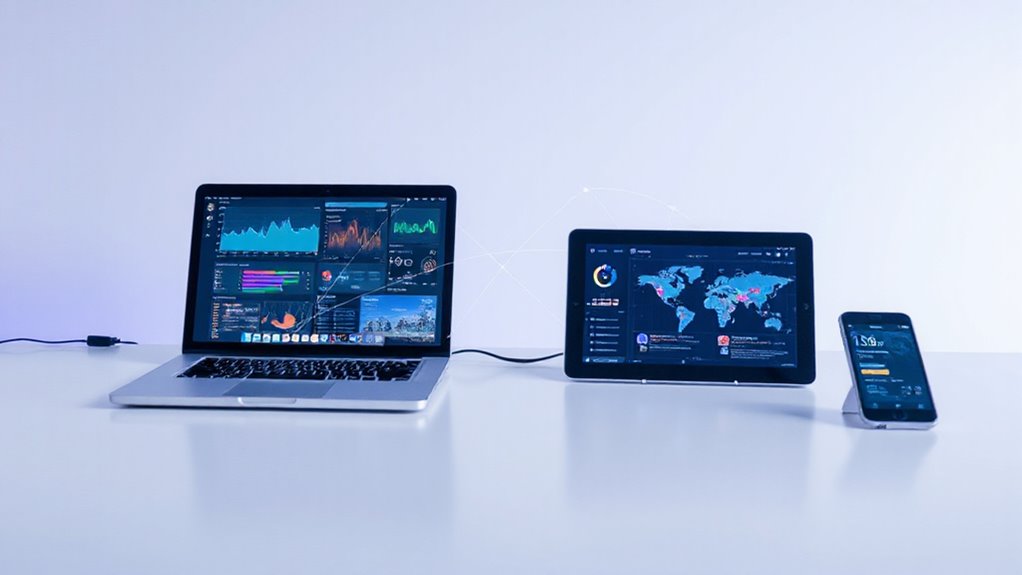
Collaboration software provides teams with a centralized digital platform that combines communication tools, project management features, and file sharing capabilities in one accessible environment. This technology enables real-time collaboration across different locations and time zones, supporting both remote and hybrid work arrangements effectively. Teams benefit from enhanced transparency, improved accountability through task tracking, and streamlined workflows that eliminate inefficient application-switching. The software typically includes video conferencing, threaded discussions, visual planning tools like Kanban boards, and cloud-based access for mobile workforces. Understanding its all-encompassing features reveals significant productivity advantages.

How can modern teams bridge geographical distances and time zones while maintaining seamless productivity and strong collaborative relationships? The answer lies in collaboration software, a transformative technology that enables multiple users to work together on projects from any location or device in real-time. This digital solution provides a centralized environment where communication, file sharing, and project management converge into one all-inclusive platform. Companies leverage these platforms to break down geographical barriers and scale their operations more effectively.
Collaboration software combines diverse functionalities including text messaging, voice calls, video conferencing, task tracking, and document editing within a single interface. This integration supports both synchronous and asynchronous work modes, accommodating different workflows and time zones while facilitating coordination among remote, hybrid, and in-office teams. The result is accelerated work pace through simultaneous edits and updates, reducing bottlenecks that traditionally slow decision-making processes.
Real-time collaboration features enhance transparency by keeping project information accessible to all team members, fostering creativity through enabled brainstorming sessions and idea sharing. The software promotes accountability by providing clear task progress tracking and responsibility assignments, ensuring everyone understands their role in achieving project goals.
Communication capabilities extend beyond basic messaging to include video conferencing for virtual face-to-face meetings, threaded discussions for organized conversations, and integrated chat logs with project files for context-rich interactions. These features minimize misunderstandings and prevent information loss while strengthening personal connections among dispersed team members.
Project management tools within collaboration software include task creation, assignment, progress monitoring, and deadline tracking. Visual planning elements like Kanban boards and Gantt charts provide clarity and efficiency, while dependency mapping helps identify task sequences and potential roadblocks. Dashboard analytics enable managers to spot bottlenecks and adjust resources proactively. These platforms often feature dedicated project folders that serve as central hubs for organizing all project-related information and resources.
Cloud-based accessibility ensures teams can work from any device, supporting mobile workforces through dedicated mobile applications. Seamless integration with existing business tools like calendars, email systems, and document storage enhances workflow efficiency while reducing the need for multiple applications. Additionally, these cloud-based solutions offer data security and backup capabilities essential for modern business continuity.
Studies indicate that workers waste approximately 60 minutes daily switching between disparate applications. Collaboration software addresses this inefficiency by centralizing information access, eliminating version control issues, and streamlining automated processes. The software serves as a centralized hub for organizational intelligence and knowledge assets, capturing and organizing critical knowledge accessible across all departments. This all-encompassing approach transforms how modern teams operate, delivering measurable productivity improvements while strengthening collaborative relationships across any distance.
Frequently Asked Questions
How Much Does Collaboration Software Typically Cost for Small Businesses?
Small businesses typically invest $5 to $20 per user monthly for collaboration software, depending on required features.
Free versions offer basic functionality, while personal plans ($5-$10) provide enhanced storage and simple project management.
Business tiers ($10-$20) include advanced integrations and team tools.
Many platforms offer annual discounts, and some budget-friendly options like Zoho Workplace start at just $1 monthly per user, making collaboration tools accessible for growing teams.
Can Collaboration Software Integrate With Existing Email and Calendar Systems?
Yes, collaboration software readily integrates with existing email and calendar systems including Google Workspace, Microsoft 365, and Outlook. These platforms offer native integrations through APIs or built-in wizards, requiring minimal IT involvement.
Users can centralize communications, synchronize calendar events in real-time, and manage multiple accounts within a single interface while maintaining existing privacy settings and security protocols.
What Security Measures Protect Sensitive Data in Collaboration Platforms?
Collaboration platforms employ multiple security layers to safeguard sensitive data. Multi-factor authentication and role-based access controls prevent unauthorized entry.
End-to-end encryption protects information during transmission and storage. Real-time monitoring systems detect suspicious activities.
Data classification frameworks guarantee appropriate handling procedures. Mobile device management secures endpoints, and compliance features support regulations like GDPR and HIPAA, creating extensive protection for organizational data.
Is Collaboration Software Suitable for Remote and Hybrid Work Environments?
Collaboration software proves highly suitable for remote and hybrid work environments, with 79% of workers globally utilizing these tools effectively.
Hybrid employees demonstrate the highest engagement rates at 35%, while 90% report equal or greater productivity compared to traditional office settings.
These platforms support essential distributed work functions including conferencing, file sharing, and real-time collaboration, making them indispensable for modern flexible work arrangements.
How Long Does It Take to Train Employees on New Collaboration Tools?
Training employees on new collaboration tools typically requires 5-15 hours depending on software complexity and user experience levels.
Most organizations implement bite-sized microlearning modules that employees can complete over several weeks.
Self-paced online training reduces learning time by 40-60% compared to traditional methods, while blended approaches combining self-paced modules with collaborative practice sessions achieve 32% higher completion rates and better skill retention.