




Why Household Interruptions Destroy Your Focus at Home
Working from home sounds like a productivity dream, yet the reality often tells a different story. Household interruptions fragment attention in ways that quietly devastate output.
Research shows that even brief disruptions leave mental residue, making it harder to re-engage with complex tasks. Establishing a distraction-free workspace can help preserve focus after interruptions.
Even brief disruptions leave mental residue, quietly undermining your ability to re-engage with complex, demanding work.
Domestic cues like dishes, laundry, and deliveries compete for working memory, reducing capacity for focused work.
Cross-domain interruptions also raise stress levels and increase recovery time after the workday ends.
Studies consistently identify uninterrupted focus time as the strongest predictor of productivity, confirming that managing household interruptions is not a minor convenience but a genuine professional priority. Yet office environments may carry an even greater interruption burden, as one study found that office days produced roughly 33% more energy variability than days spent working from home.
Among the interruption types most affected by the shift to remote work, nonwork intrusions, distractions, and multitasking showed the largest increases compared to pre-pandemic working conditions.
Create a Home Office Space That Blocks Distractions
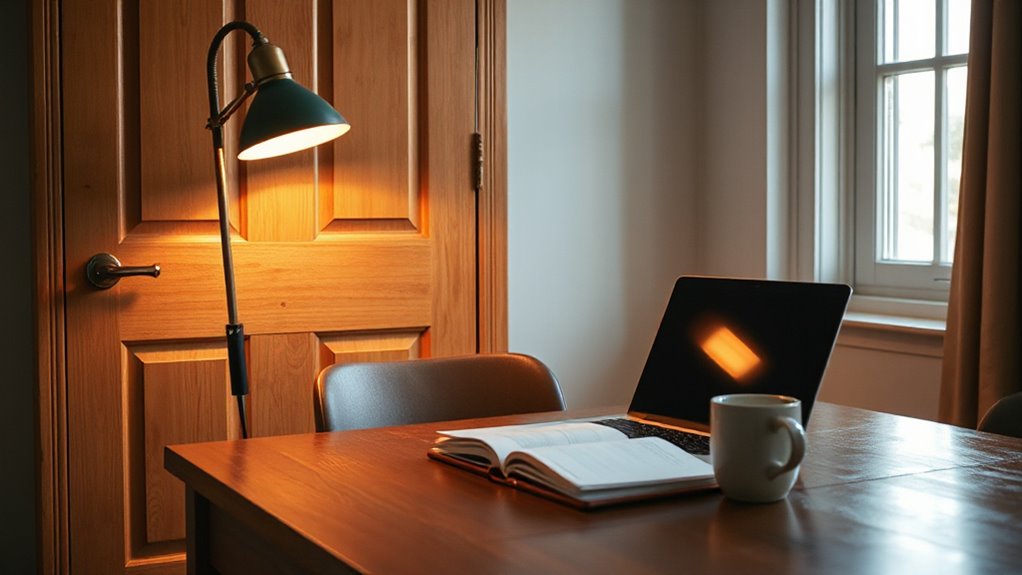
The physical environment shapes focus more than most remote workers realize. A dedicated room with a solid door creates the strongest barrier against foot traffic, noise, and visual interruptions.
When a separate room is unavailable, positioning the desk away from high-traffic areas and using dividers or shelving can establish a functional boundary. Adding indoor plants can further improve concentration by introducing natural elements that enhance attention.
Facing the monitor toward a wall reduces peripheral distractions, while rugs, curtains, and acoustic panels absorb disruptive sound.
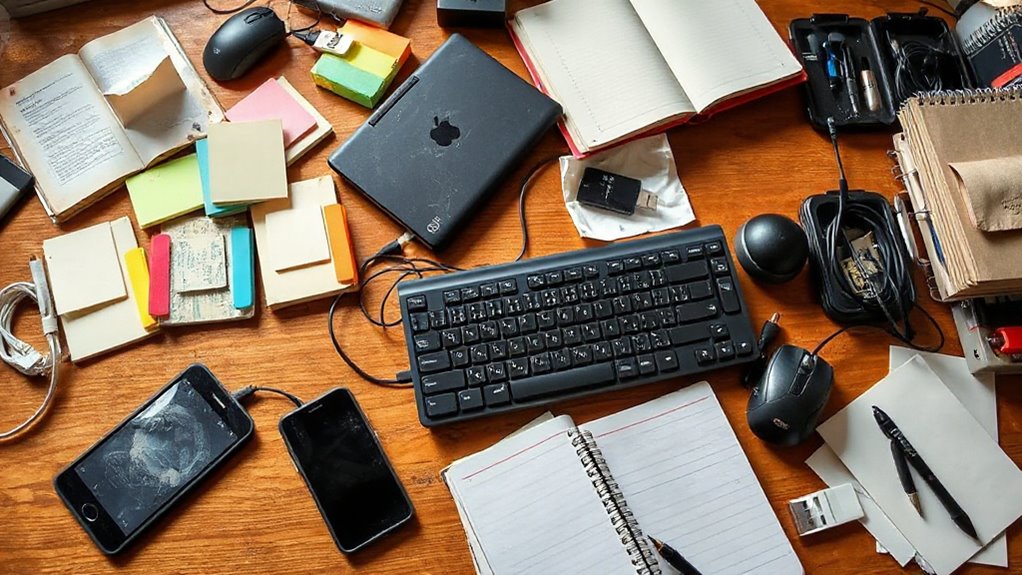
Keeping only task-relevant items on the desk minimizes attention switching. Noise-canceling headphones provide additional audio isolation from household noise that physical room treatments alone may not fully eliminate.
Setting the monitor at or slightly below eye level reduces physical strain and keeps posture aligned throughout extended work sessions.
Small, deliberate adjustments to the workspace consistently produce measurable improvements in concentration and sustained deep work performance.
Silence Notifications Before Your Focus Windows Start
Arranging the physical workspace removes one layer of disruption, but digital alerts can undermine even the most carefully designed environment. Blocking notifications has been shown to reduce task-switching costs and protect productive time by preventing up to 40% loss from interruptions.
Windows Focus automatically silences notifications when a session begins, while Apple’s Focus modes can be configured in advance through Settings. Both platforms support exception lists, allowing only priority contacts such as a manager or client to break through.
Research confirms that blocking notifications reduces interruptions, improves performance, and lowers strain. Setting these rules before work begins, rather than reacting after distractions occur, protects attention from the moment deep work starts.
Consistent configuration makes this practice effortless over time. On iPhone, opening Control Centre and tapping the Focus button allows Do Not Disturb to be switched off or on within seconds.
Within any Focus profile, specific apps can be added to an allow list so that priority app notifications still come through without dismantling the entire silencing setup.
Schedule Focus Blocks During Your Lowest-Interruption Hours
Protecting deep work requires more than blocking distractions after they appear — it means placing focus blocks at the hours when interruptions are least likely to occur in the first place.
For most people, early or mid-morning offers the quietest window before household activity, messages, and meetings accumulate. Knowledge workers often have concentrated communication demands later in the day, so reserving mornings reduces time spent on communication tasks.
Scheduling the hardest cognitive work — writing, analysis, problem-solving — inside that peak alertness span produces stronger results than attempting the same tasks during the afternoon dip, when concentration naturally falters.
Consistent placement of focus blocks at the same daily time builds reliable momentum, turning protected hours into a productive, repeatable habit. Treating each block as a firm commitment rather than flexible time makes it far less likely the session gets displaced by lower-priority requests or routine tasks.
Switching between tasks before completing them leaves behind attention residue, meaning part of the mind remains occupied with the previous task rather than fully engaging with the work at hand.
Set Household Rules That Protect Your Focus Time
Household rules work best when they are built around a single, non-negotiable principle: only genuine emergencies justify interrupting focused work.
Emergencies include injury, fire, or immediate safety risks.
Missing items, snack requests, and routine questions do not qualify.
Defining these categories clearly removes ambiguity and makes the rule easier to apply consistently.
Household members should know the difference before focus time begins, not during it.
Assigning responsibilities differently during focus periods also reduces avoidable disruptions.
When the rules stay few, simple, and consistently enforced, they gradually shift from repeated requests into household routine, protecting productive time without creating unnecessary conflict. Sharing schedules with others in the household through tools like to-do lists or digital calendars reduces miscommunication and helps everyone plan around each other’s focus periods in advance.
A closed door signal system communicates to household members that focused work is in progress and discourages interruptions before they happen. To reinforce adherence, remind household members that strong teamwork improves productivity and mutual respect make focus time more effective for everyone.