Find the Right Spot for Your Small Apartment Home Office
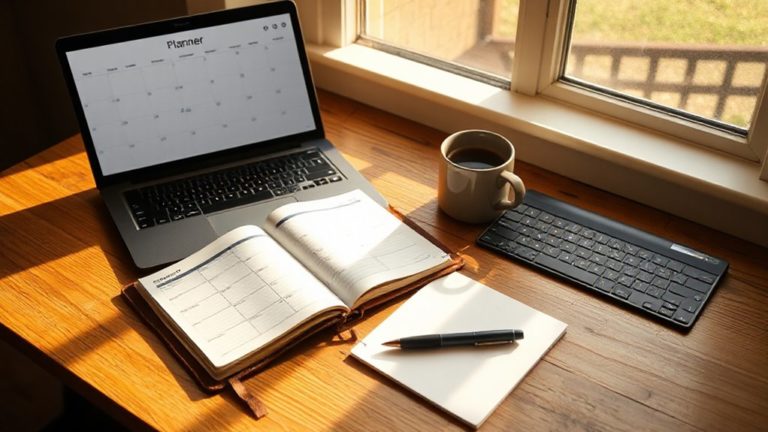
Where a person places their home office in a small apartment shapes everything that follows, from daily comfort to long-term productivity.
Before committing to a spot, measuring the available footprint matters enormously.
Measuring your available floor space before choosing a spot prevents costly mistakes and wasted effort later.
A functional ergonomic setup requires roughly four square metres of floor space, including ninety centimetres of clearance behind the chair.
Corners, closet conversions, hallway alcoves, and behind-sofa placements all use otherwise awkward areas efficiently. Remote collaboration tools make these compact setups more effective by enabling seamless teamwork without a dedicated corporate office.
Natural light should influence the decision strongly, with perpendicular window positioning reducing glare while preserving daylight.
Avoiding high-traffic zones near kitchens and living areas further protects concentration, making thoughtful placement the foundation of everything else.
Facing the desk toward a wall rather than an open room reduces visual triggers like unwashed dishes or shelves that invite rearranging, helping to maintain focus and stay on task.
A closet conversion, sometimes called a cloffice, offers the added advantage of closing a door at the end of the workday to fully separate the workspace from the living environment.
Pick a Home Office Desk That Fits and Folds Away
Once the right spot has been identified, choosing a desk that actually fits the space becomes the next critical decision.
A width between 36 and 42 inches suits most small apartments comfortably, supporting a laptop, mouse, and notebook without crowding.
Depth should reach at least 20 inches, though 24 inches remains the standard for healthy screen distance.
Foldable desks earn particular value here, disappearing into storage when work ends. Desks that fold down to 2 inches or less can slide behind doors or lean flat against walls without consuming any usable floor space.
Stability deserves equal attention, since lightweight frames wobble and disrupt focus.
A heavy steel frame or quality wood surface corrects this reliably. For setups involving heavy monitor arms or multiple screens, selecting a desk rated for 200 pounds or more provides the structural confidence needed to prevent sagging or shaking under real working conditions.
Size and sturdiness together determine whether a desk genuinely serves its purpose. Adding a clutter-free workspace and removing distractions also helps maintain sustained attention and reduce stress.
Get Your Chair, Desk Height, and Screen Position Right
Setting up a chair, desk, and screen correctly transforms a workspace from merely functional into one that supports focus and long-term physical health.
Begin with the chair: feet should rest flat, knees near 90°, and a two-to-three-finger gap should exist between the seat edge and the back of the knees. Include a simple risk management mindset to anticipate comfort problems before they become productivity issues.
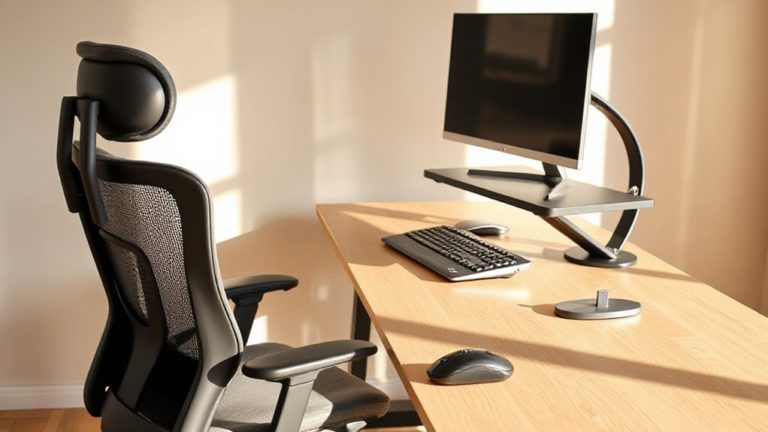
Set desk height at or slightly below resting elbow height, roughly 28–30 inches for most adults.
Petite users benefit from lower surfaces near 24.5–25.5 inches.
Position the monitor at arm’s length, with the top at or slightly below eye level. A single monitor arm saves four to six inches of desk depth compared to a monitor’s original stand, a meaningful gain in tight apartments.
Use a footrest whenever feet cannot rest flat comfortably. Keep daily-use items within 12–18 inches of reach to avoid shoulder overreach and maintain a clear, organized desk plane.
Keep Cables Hidden and Storage Off the Floor
A tidy cable layout does more than improve appearances — it reduces tripping hazards, simplifies troubleshooting, and signals a workspace that its user takes seriously.
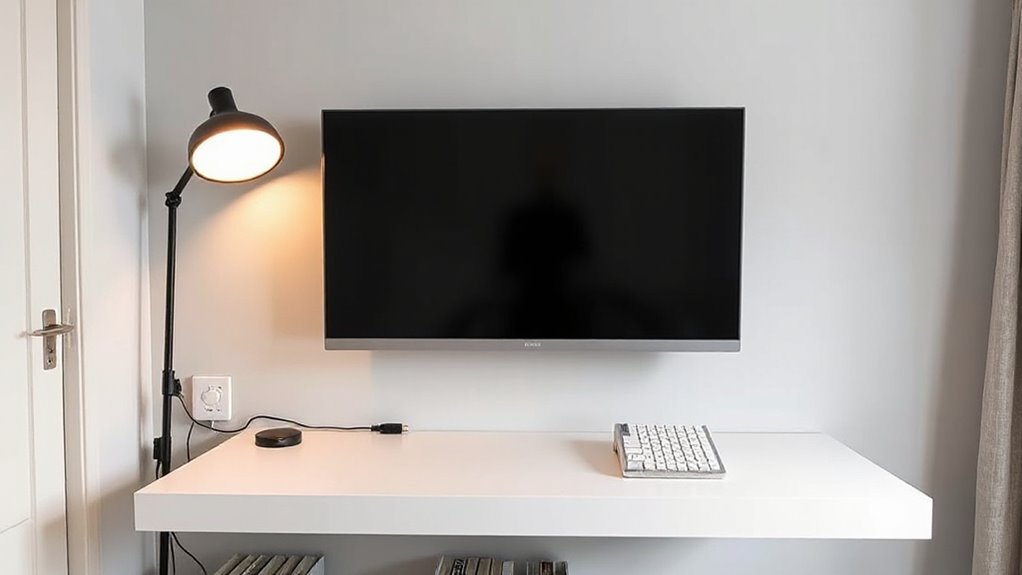
Running cables along baseboards and furniture backs keeps them naturally out of sight, while adhesive clips and Command strips secure them without damaging walls.
Power strips stored inside labeled boxes with cable openings centralize charging while reducing visual clutter.
Under-desk trays and adhesive hooks lift excess cord length off the floor entirely.
Choosing furniture with built-in cable channels eliminates improvised routing.
Small, consistent decisions about cable placement compound into a workspace that feels organized, intentional, and genuinely ready for productive use. For areas where cables remain visible, industrial cable trays mounted along walls or ceilings can be painted to match the room’s colour scheme or left in galvanised steel for a deliberate aesthetic finish.
Pages that return a 404-error status indicate the requested resource could not be found on the server, making accurate link management as important in digital workspaces as physical cable management is in physical ones. You should also maintain regular audit trails to monitor access and changes to important digital documents.
Make Your Home Office Setup Look Good on Camera
On camera, first impressions are shaped less by what someone says and more by how their workspace looks and feels to the viewer. A thoughtful setup signals professionalism before a single word is spoken.
- Position the camera at eye level using a wide-angle lens for small rooms
- Place a soft key light at a 45-degree angle to add facial depth
- Keep the subject brighter than the background for clear separation
- Use neutral tones and minimal decor to reduce visual clutter
- Run a test video call before important meetings to confirm everything reads cleanly on screen
Overhead lights should be turned off when possible, giving you full control over the lighting’s look and feel so the final image appears intentional rather than accidental. Before any of this, declutter the space entirely, since a tidy desk without excessive decorations or paperwork creates a far more appealing and professional backdrop on screen. Effective setups also help protect mental well-being by supporting work-life balance.