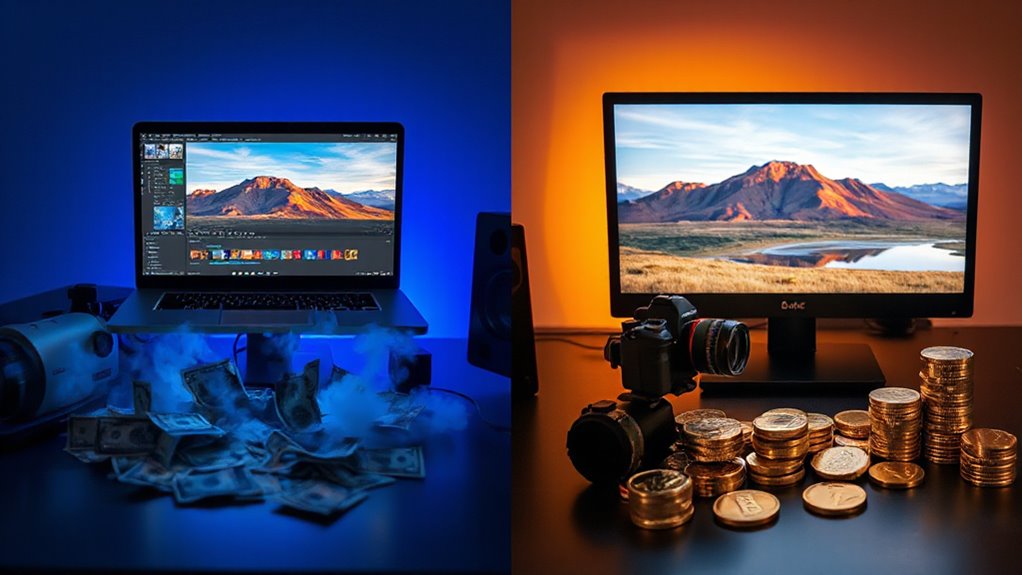
In an era of escalating subscription costs, photographers face a critical decision about which software best serves their creative needs without draining their budgets. Darktable, a free open-source alternative to Adobe Lightroom, has emerged as a compelling solution for those seeking to eliminate ongoing subscription payments while maintaining professional editing capabilities.
Darktable offers photographers a powerful, cost-free escape from expensive subscription models while delivering professional-grade editing capabilities.
Both applications support non-destructive RAW and JPG editing, but each brings distinct strengths to the table. Lightroom features a polished, intuitive interface with common settings prioritized for quick access, making it immediately accessible to new users. Darktable requires a longer learning curve, yet this investment yields powerful rewards through its flexible module system that allows local adjustments on nearly every tool.
While Lightroom limits local adjustments to approximately twenty settings, Darktable excels with advanced masking capabilities across modules, including specialized tools like Equalizer and Color Zones for precise control.
File management reveals notable differences in workflow philosophy. Lightroom supports SD card imports with drag-and-drop file movement and renaming, plus a flexible library search system using keywords, ratings, and filters. Darktable imports files in place without moving or renaming them, and while it provides filtering options, locating specific files can prove more complicated.
Both platforms enable categorization through ratings, color tags, and metadata. Darktable supports RAW from 400+ cameras, ensuring broad compatibility across professional equipment. Organizations often personalize tools with AI-driven analytics to align software features with employee workflows and preferences.
Image quality considerations favor Lightroom in several areas. It delivers superior contrast, hue, saturation, and luminescence tools while retaining more detail in highlights and shadows. RAW files render slightly darker and flatter in Darktable, and some tools appear dated with occasional blurring in results.
However, Darktable counters with its sophisticated Retouch module featuring Wavelet Decompose for handling complex textures. Darktable stores edits in XMP sidecar files per image, avoiding the single point of failure that Lightroom’s default catalogue file presents.
The subscription model remains the decisive factor for many photographers. Lightroom includes cloud storage and a mobile app with sync capabilities, plus seamless Photoshop integration for advanced edits. Darktable eliminates these conveniences but provides a cost-free alternative for long-term use without ongoing Adobe payments, making it an attractive option for budget-conscious professionals willing to navigate its steeper learning curve.