








AI automation streamlines daily tasks through intelligent email management, smart scheduling, and workflow optimization. Tools like Gmail Smart Reply generate contextual responses, while platforms like Todoist automatically prioritize tasks based on individual work patterns. Smart home devices respond to voice commands, managing lighting and temperature controls effortlessly. Financial automation extracts data from receipts and categorizes expenses without manual input. These technologies collectively reduce routine workload, minimize errors, and free valuable time for strategic activities that demand human creativity and decision-making.
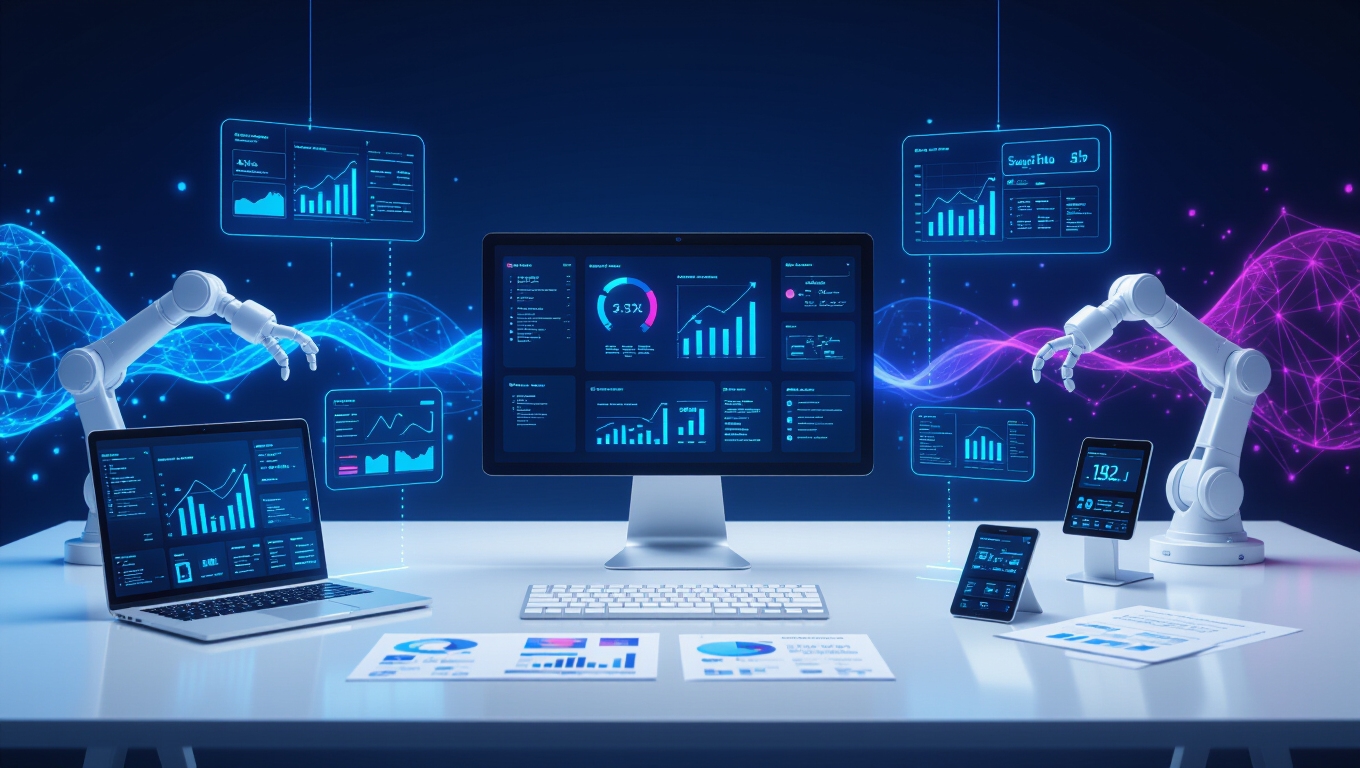
How can busy professionals reclaim hours of their day while maintaining productivity and efficiency? The answer lies in leveraging artificial intelligence to automate routine tasks that consume valuable time and mental energy. Modern AI tools have evolved to handle complex workflows, allowing individuals to focus on high-value activities that require human creativity and decision-making.
AI automation transforms routine tasks into opportunities, freeing professionals to focus on creative work that truly matters.
Email management represents one of the most impactful areas for automation. Natural language processing tools like Gmail Smart Reply generate appropriate responses to incoming messages, while AI assistants schedule meetings and send reminders based on user preferences. Microsoft Copilot prioritizes emails and drafts replies without manual intervention, and sales executives can automate follow-up communications using AI-based CRM systems. These tools substantially reduce the time spent managing digital correspondence and improve collaboration through integration with communication software.
Task management becomes effortless with AI-powered productivity applications. Platforms like Todoist and Notion AI automatically prioritize to-do lists and categorize tasks based on importance and deadlines. These systems learn individual work habits and suggest optimized schedules, ensuring high-value work receives appropriate attention. Deadline reminders trigger automatically, preventing important commitments from slipping through the cracks.
Smart home integration offers another layer of convenience through voice-controlled assistants that manage lights, thermostats, and appliances. AI routines optimize energy consumption based on daily patterns, while security systems and cleaning devices operate autonomously. Simple voice commands like “Set thermostat to 72°F” execute instantly, removing manual adjustments throughout the day.
Data processing and financial management benefit greatly from AI automation. Tools extract information from emails, invoices, and documents with remarkable accuracy, while expense categorization and budget tracking occur without manual input. Applications like QuickBooks and Expensify scan receipts automatically, and business intelligence platforms generate detailed reports by identifying trends across multiple data sources. Workflow automation platforms like Zapier enable complex “if-this-then-that” routines for seamless business process integration.
Customer service automation handles routine inquiries through chat, voice, and email channels, maintaining consistent brand voice while escalating complex issues to human representatives with complete context. AI-driven marketing tools like Buffer and Hootsuite automate content scheduling for social media posts across multiple platforms simultaneously. This approach guarantees customers receive immediate assistance while freeing up valuable human resources for strategic initiatives.
Frequently Asked Questions
What Are the Privacy Risks of Using AI Automation Tools?
Users face significant privacy risks when utilizing AI automation tools, including inadvertent data exposure through unsanctioned platforms and shadow AI usage. Approximately 15% of employees input sensitive information into public language models, while 50% of data breaches involve insider actions.
AI systems can leak confidential data through outputs, suffer from model poisoning attacks, and challenge traditional privacy principles through excessive data collection practices.
How Much Does AI Automation Software Typically Cost per Month?
AI automation software costs vary considerably based on features and scale. Starter plans range from free to $50 monthly.
Mid-tier options typically cost $20-150 per month for small to medium businesses.
Enterprise solutions often exceed $1,000 monthly, sometimes reaching $10,000 or more.
Most businesses achieve effective automation spending between $100-2,000 monthly, balancing return on investment with scalability needs.
Can AI Automation Replace Human Decision-Making Completely?
AI automation cannot completely replace human decision-making, despite processing data faster than humans. While AI excels at routine tasks and pattern recognition, it struggles with novel situations, ethical considerations, and decisions requiring emotional intelligence or nuanced judgment.
Organizations benefit from AI’s analytical capabilities, but humans must retain authority over complex strategic decisions that involve multiple viable solutions, contextual understanding, and moral reasoning that AI cannot replicate.
Which AI Platforms Work Best for Small Businesses?
Small businesses benefit most from versatile, budget-friendly AI platforms that integrate seamlessly with existing workflows.
HubSpot’s free CRM tier offers automated lead scoring and predictive analytics, while Zapier connects hundreds of apps for all-encompassing workflow automation.
Microsoft Copilot enhances productivity within familiar Office environments, and ChatGPT provides free access to powerful content generation.
These platforms deliver immediate value without requiring significant technical expertise or substantial financial investment.
How Do I Troubleshoot When My AI Automation Stops Working?
When AI automation fails, one should first examine system logs for error messages that reveal the root cause.
Next, verify network connectivity and check for configuration issues like IP conflicts or firewall blocks.
Hardware dependencies require inspection, and recent updates may have introduced instability.
Monitoring tools and diagnostic scripts accelerate troubleshooting, while proactive monitoring prevents future failures from escalating unexpectedly.
Related Posts