

How Poor Lighting Drains Your Home Office Focus and Energy
When working from home, lighting is one of the most overlooked factors affecting daily performance.
Insufficient or poorly distributed light strains the eyes, triggering headaches, irritability, and persistent fatigue.
Poor lighting does more than dim a room — it strains your eyes, fuels headaches, and drains your energy.
These symptoms quietly erode concentration and increase the likelihood of errors throughout the workday.
Dim environments also promote drowsiness, making sustained focus difficult.
Natural light remains a reliable ally, as positioning a workstation near a window improves mood and reduces dependence on artificial sources.
For task-specific needs, experts recommend between 300 and 500 lux minimum.
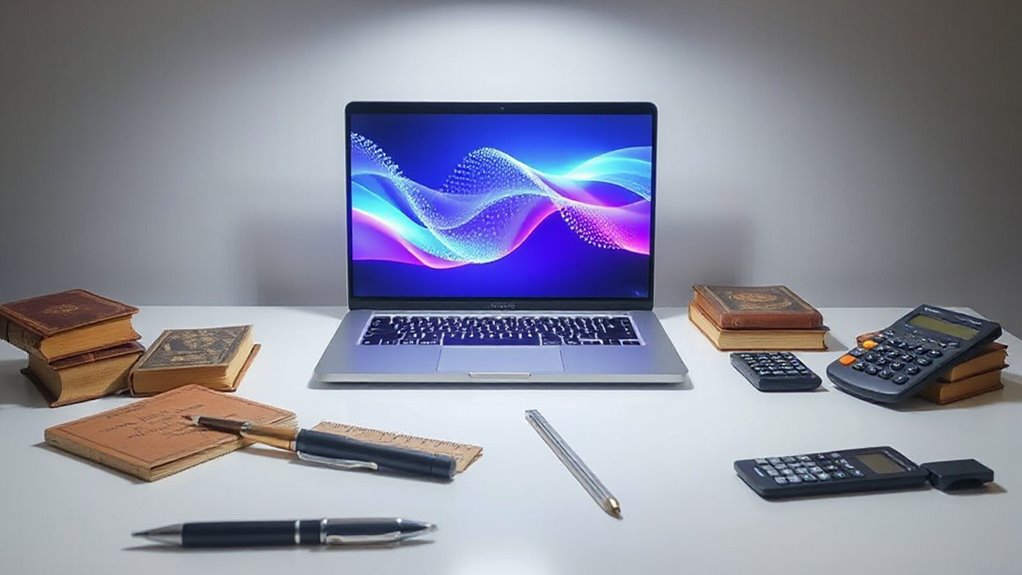
Adjustable lamps, neutral-temperature bulbs around 4,000–5,500 K, and matte surfaces further support a visually comfortable, productive workspace.
Research indicates that poor lighting conditions can lead to up to 60% more errors in office tasks, a figure documented by the IEC in relation to eye strain.
Over time, prolonged exposure to inadequate lighting can worsen ocular health, compounding stress and increasing the risk of chronic conditions such as anxiety and depression.
Maintaining proper lighting and temperature, along with an ergonomic setup, helps create a distraction-free environment that supports sustained focus and reduces errors.
Is Noise Destroying Your Work-From-Home Concentration?
Noise ranks among the most persistent and underestimated obstacles to productive home-based work. Research confirms that indoor noise from household occupants, neighbors, and traffic markedly increases annoyance, reduces job satisfaction, and ultimately lowers work performance. Distractions disrupt neural signatures associated with attention, even when targets are correctly identified.
Effects also extend beyond productivity, as sustained noise exposure has been linked to stress, impaired memory, and diminished higher brain function.
Fortunately, practical solutions exist. Noise-cancelling headphones, soft furnishings, and dedicated workrooms all measurably reduce disturbance. Unlike music or podcasts, noise-cancelling headphones can function as extremely effective earplugs without requiring anything to be played through them.
Scheduling calls around predictable household activity and setting clear quiet-time expectations with others at home further strengthens focus.
Small, deliberate adjustments can meaningfully restore concentration throughout the workday. In South Korea alone, remote workers increased to 1,140,000 in 2021 from just 95,000 in 2019, highlighting how rapidly home noise environments became a widespread occupational concern.
Why Your Home Office Layout Could Be Working Against You
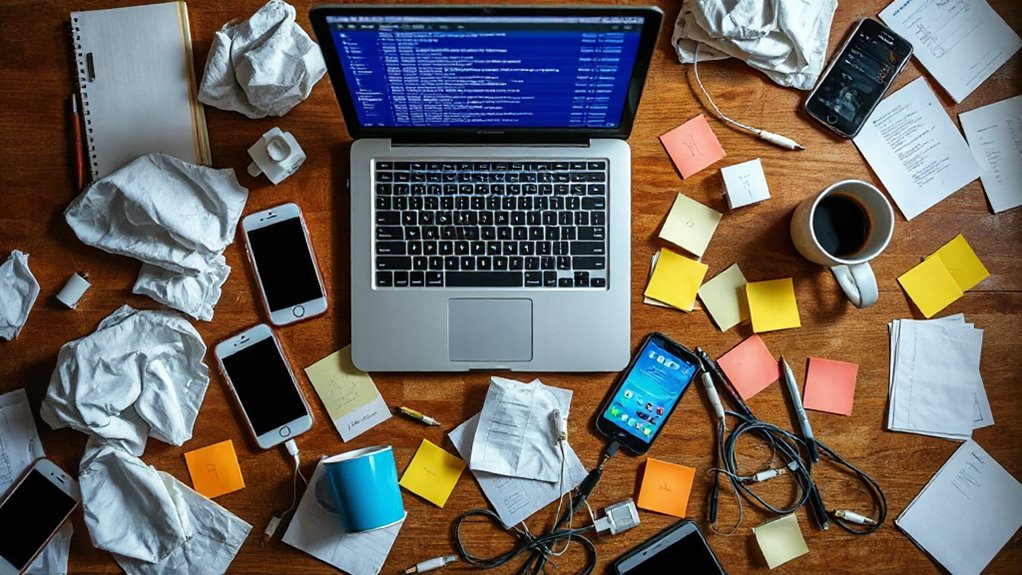
Many remote workers invest considerable effort into managing their schedules and communication habits, yet overlook a factor that shapes every working hour: the physical layout of their home office.
Working from a kitchen table blurs the boundary between rest and responsibility, weakening focus over time.
When your workspace doubles as your dining table, the line between rest and responsibility quietly disappears.
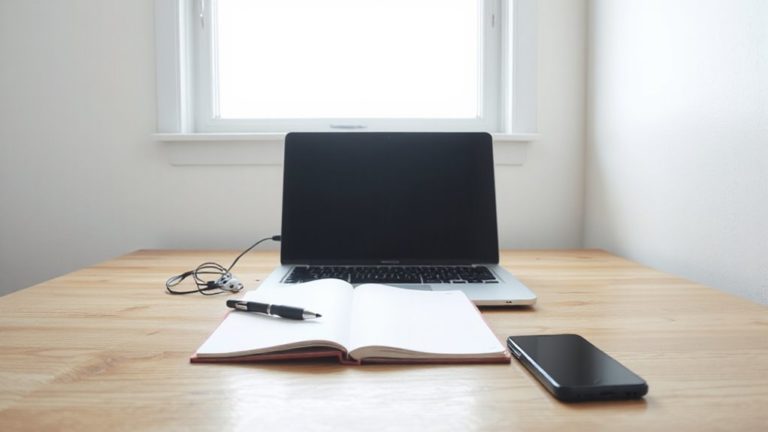
A dedicated workspace, physically separate from leisure areas, helps the mind associate the space with purposeful effort.
Desk placement matters too; positioning at an angle allows awareness without constant distraction.
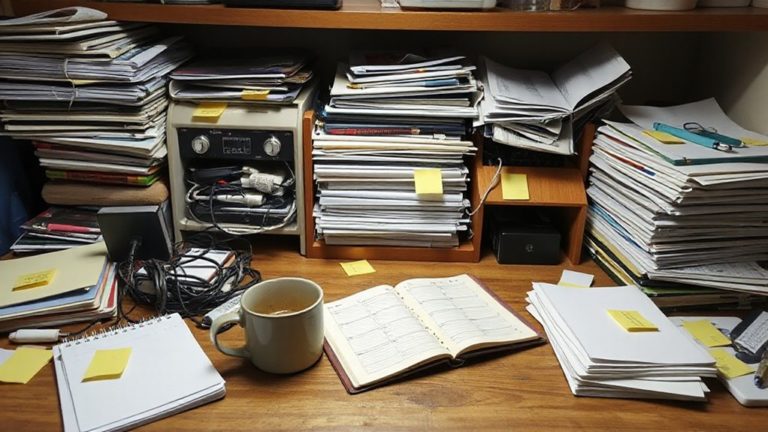
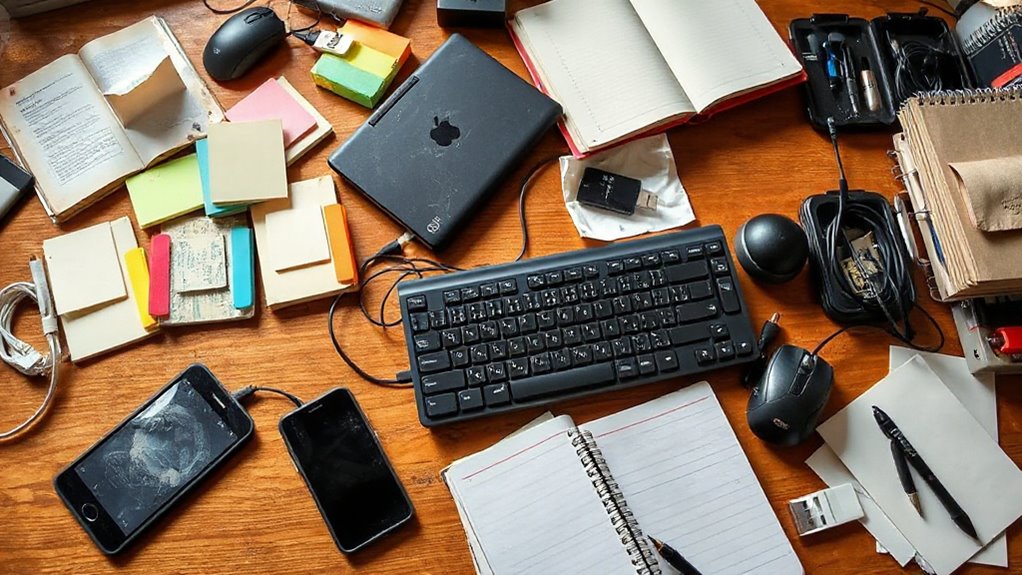
Natural light, organizational systems, and clutter reduction further support concentration.
Workers given control over their workspace design report productivity gains of up to 32 percent.
Incorporating moveable partitions or modular furniture allows a single area to be reconfigured to suit different tasks throughout the day, supporting adaptable workspace design without requiring additional square footage.
Research suggests that introducing one plant per square metre could boost memory retention, making it a simple addition worth considering in any home office setup.
Many teams also find that using a centralized digital platform to manage communication and files reduces time lost switching between apps, helping maintain focus in the home office.
What a Bad Home Office Setup Does to Your Body
A poorly designed home office does more than slow productivity—it places real physical demands on the body that accumulate quietly over time. Recognizing these effects is the first step toward meaningful change.
- Eye strain from poor lighting and screen glare causes fatigue and discomfort. Hybrid workers often report improved focus with better lighting and flexibility, contributing to higher productivity.
- Neck and back pain develop when monitors sit too low and chairs lack lumbar support.
- Wrist and arm tension result from cramped surfaces and poorly positioned input devices.
- Mental fatigue increases when noise, temperature, and lighting remain uncontrolled.
Small, deliberate adjustments to the workspace can meaningfully reduce these cumulative physical burdens. Ergonomics as a discipline adapts spaces and tools to the physical and psychological characteristics of the people who use them, prioritizing well-being and safety above all else. Employers who provide proper office equipment for those working from home help reduce the risk of employees developing musculoskeletal damage from poor ergonomic conditions.
How to Fix Lighting, Noise, and Layout in Your Home Office
Once the physical costs of a poorly arranged workspace become clear, the logical next step is addressing the specific conditions that create them.
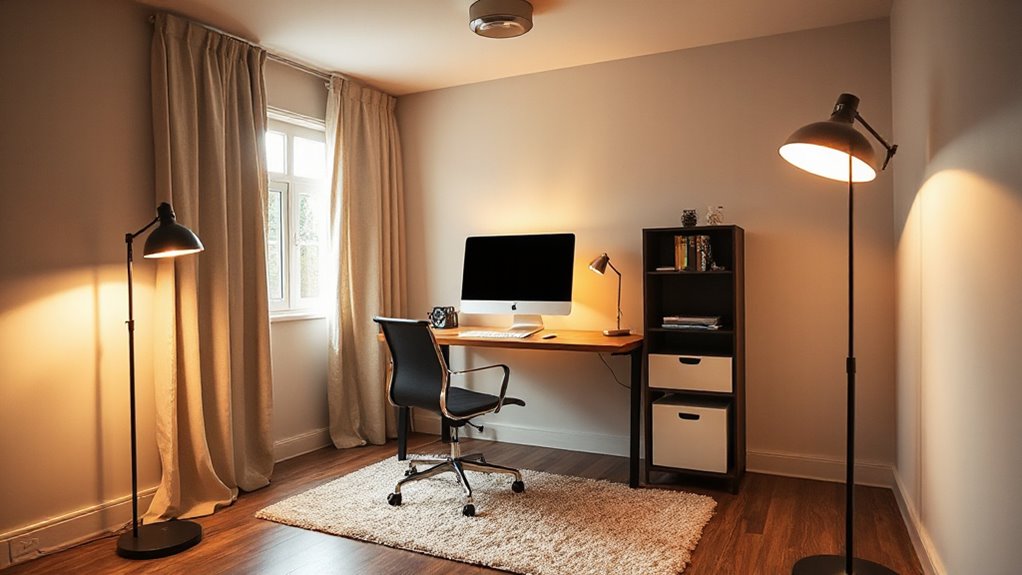
Layered lighting—combining ambient ceiling light, adjustable task lamps, and natural light—reduces harsh shadows and supports even brightness. Recovering lost hours can be as simple as improving lighting to cut time wasted on errors and adjustments.
Positioning a desk beside or facing a window minimizes monitor glare.
For noise, soft materials like rugs and curtains absorb echo, while door seals limit intrusion from other rooms. Sound masking or noise-canceling headphones help when silence is unrealistic.
Separating work zones, clearing movement paths, and keeping frequently used items within reach complete a layout that actively supports focus and efficiency. Upward-shining floor lamps bounce light off walls and ceilings to illuminate the entire space without creating harsh glare or contrast.