







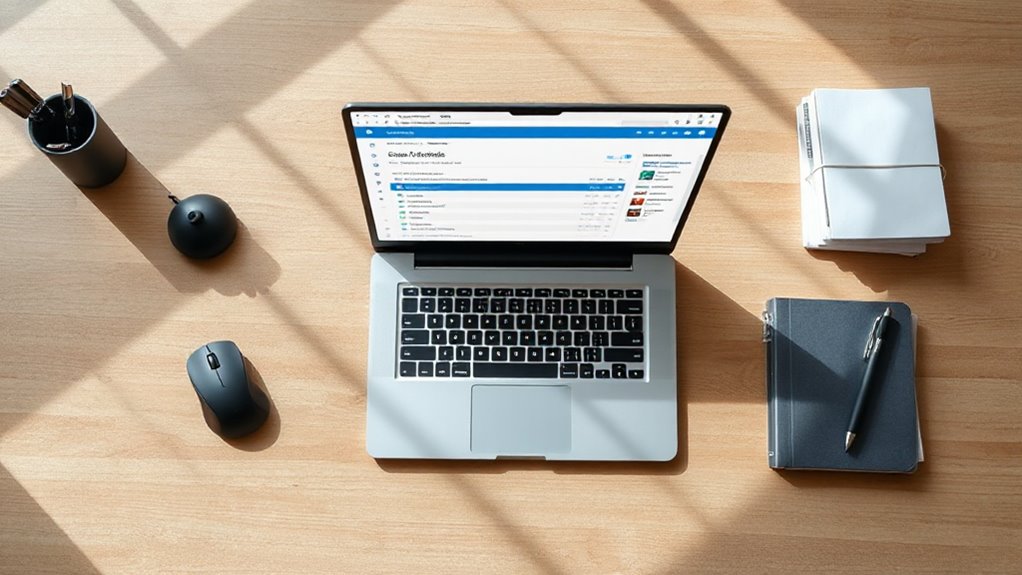
In an era where digital workloads continue to expand, mastering task management tools has become essential for professional productivity. While many professionals search for third-party applications to organize their responsibilities, Microsoft Outlook contains a comprehensive task manager that often goes unnoticed. This built-in feature offers thorough capabilities for managing daily work, tracking progress, and coordinating team efforts without requiring additional software subscriptions.
Outlook’s built-in task manager delivers powerful organizational capabilities that eliminate the need for expensive third-party productivity applications.
Accessing the task manager is straightforward through multiple methods. Users can click the three dots at the bottom left of the Outlook window and select Tasks, press Ctrl + Shift + K to open a new task window, or customize their ribbon by adding a Tasks button through the ribbon customization menu. The new Outlook interface integrates Microsoft To Do directly into the sidebar, providing seamless access to task lists and weekly overviews. Many organizations prefer cloud-based task syncing for centralized access and backup centralized storage.
Creating tasks involves clicking New Items under the Home tab and selecting Task. Users can enter subject descriptions, establish start and due dates, add detailed steps using the plus icon, and configure recurring schedules for daily or weekly repetition. Tasks support attachments, notes, and files, making them suitable for complex projects requiring reference materials.
The system includes priority settings ranging from High to Normal to Low, alongside status options such as Not Started, In Progress, Completed, Waiting on someone else, and Deferred. The percentage complete feature automatically updates task status, with 25 percent completion shifting the status to In Progress. Categories assigned to tasks sync with Microsoft To Do when flagged, enhancing cross-platform organization.
One particularly valuable feature is the ability to convert emails into tasks by flagging them. This action adds flagged messages to the Microsoft To Do Flagged Email list, ensuring important correspondence translates into actionable items. Reminders help users maintain awareness of approaching deadlines, while integration with Microsoft 365 applications enables connections to Teams, Planner, and calendar functions. Tasks can be linked to meetings by inserting them as Outlook items directly into appointment notes, creating a clickable reference within meeting invitations. The Sweep Function allows users to create rules that automatically move, delete, or archive repetitive emails, reducing inbox clutter and helping maintain focus on priority tasks. For collaborative work, users can assign tasks to colleagues, delegate responsibilities to team members, and link tasks directly to meetings, transforming individual obligations into coordinated group efforts.
Related Posts