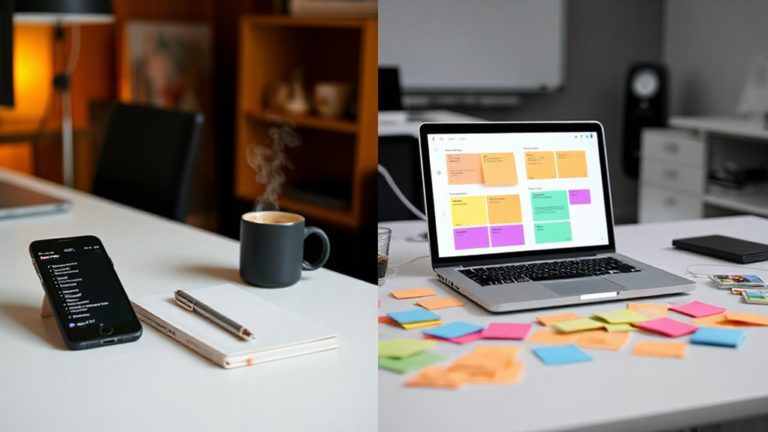



Why do millions of users gravitate toward productivity apps that promise revolutionary workflow transformations, only to discover they are fundamentally sophisticated timers wrapped in sleek interfaces? The answer lies in understanding that most productivity applications center their core functionality around time management features, practically serving as elaborate countdown mechanisms with additional bells and whistles.
These applications typically employ the Pomodoro Technique, utilizing 25-minute work intervals followed by 5-minute breaks, creating structured time blocks that form the backbone of their value proposition. Timer controls dominate the interface design, positioned prominently as the central element while other features orbit around this fundamental timing mechanism. Users find themselves primarily interacting with start, stop, and reset functions, much like they would with any basic timer application.
The psychological impact of these timing features cannot be understated. Ticking clocks create urgency, encouraging immediate action while reducing procrastination tendencies. Visual and auditory feedback reinforces progress, helping users maintain focus through clearly defined endpoints for work sessions. This structured approach helps manage energy and attention throughout the day, explaining why timer-based productivity tools prove so effective. By breaking work into manageable chunks, these apps provide a structured framework that aids users in staying focused, avoiding distractions, and establishing consistent routines.
Task management features, while prominently marketed, often serve as sophisticated companions to the primary timing functions. To-do lists and task boards integrate with timer sessions, allowing detailed time tracking for specific activities. Progress measurement relies heavily on accumulated focus time rather than traditional task completion metrics, further emphasizing the timer-centric approach. However, users may experience decision fatigue from constantly switching between different productivity tools and features.
Advanced analytics and reporting capabilities provide detailed insights into time spent, productivity trends, and completion rates. These features generate graphs, charts, and summaries that fundamentally visualize timing data in various formats, reinforcing the application’s foundation as a timing tool rather than a truly revolutionary productivity system.
The clean, minimalist interfaces focus attention on timer management while customization options primarily involve adjusting timer lengths, alarm sounds, and background themes. Cross-platform synchronization ensures timer data accessibility across devices, maintaining the central timing experience regardless of the user’s chosen platform.
Understanding this timer-focused reality helps users make informed decisions about which productivity tools genuinely meet their specific workflow requirements.