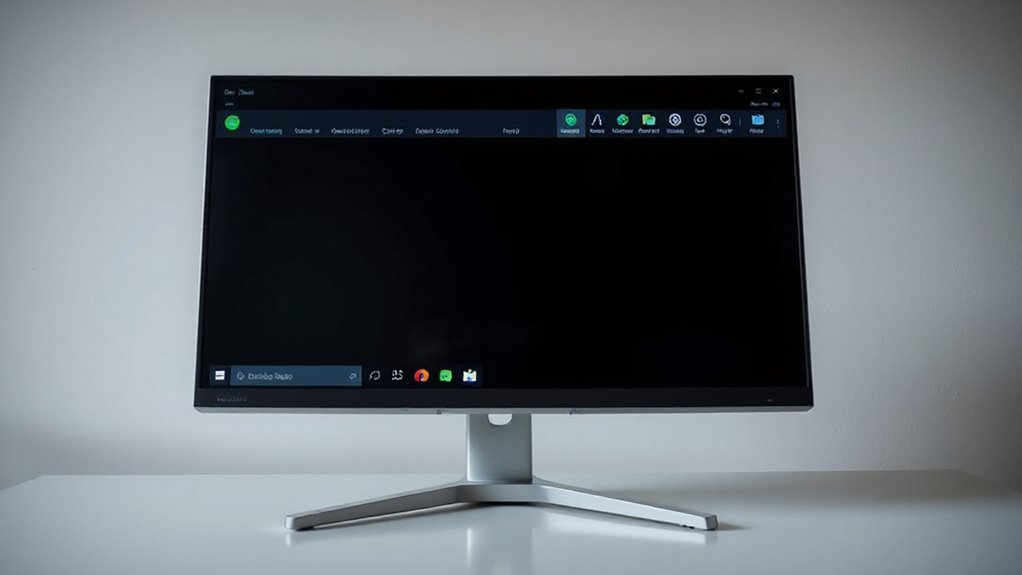
Countless Windows users have long envied the sleek, customizable status bars found in Linux distributions and macOS, but achieving that aesthetic typically meant abandoning their operating system of choice or maneuvering cumbersome virtual machine setups. YASB, which stands for Yet Another Status Bar, eliminates this compromise entirely by delivering a highly configurable status bar application built specifically for Windows using Python and Win32 APIs.
YASB brings Linux-style customizable status bars to Windows without virtual machines or switching operating systems entirely.
This free and open-source project transforms Windows desktop aesthetics and functionality far beyond what the default taskbar offers. Installation proves remarkably straightforward through multiple package managers, including Winget with the command `winget install –id AmN.yasb`, Scoop, or Chocolatey. MSI and automated installers are also available for both x64 and ARM64 architectures, requiring no complicated setup procedures.
The widget ecosystem stands as YASB’s most compelling feature, providing exhaustive system monitoring capabilities for CPU, GPU, memory, battery, disk, and network status. Users gain access to media controls, active window title displays, and specialized integrations with GlazeWM, Komorebi, OBS, GitHub notifications, and Visual Studio Code.
Additional widgets cover essential functions like clock, brightness, volume, microphone, Bluetooth, language input, weather, and wallpaper management. The extensible architecture even supports custom widget creation for AI chat integration and note-taking functionality. Productivity-focused users benefit from specialized widgets including Pomodoro timers, todo lists, and notification centers that enhance daily workflow management.
Customization flexibility distinguishes YASB from rigid alternatives. YAML configuration files located at `%USERPROFILE%/.config/yasb/config.yaml` enable widget toggling and update interval adjustments, while CSS theming through `styles.css` controls surfaces, typography, and visual elements with pixel-level precision. The hot-reload capability allows instant visualization of changes without rebuilding the application, and a right-click menu provides access to pre-built theme options.
The growing community ecosystem enhances YASB’s value proposition through a theme gallery repository on GitHub where users discover and share custom designs. The project has achieved significant traction with 4.2k stars on GitHub, reflecting widespread community adoption and engagement.
Multi-monitor awareness and system tray integration guarantee seamless Windows compatibility, while thorough documentation covers every configuration option. For Windows users seeking desktop personalization without sacrificing their operating system, YASB represents the status bar Microsoft should have built. Many users also pair YASB with offline tools to ensure functionality during travel or connectivity outages.