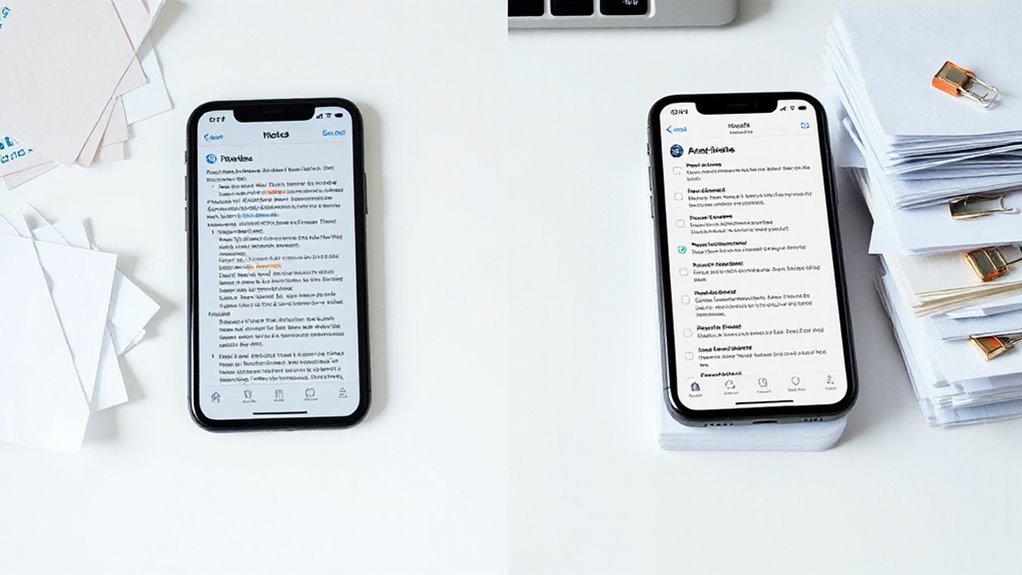
In the fast-paced environment of modern business meetings, capturing critical information quickly and efficiently can make the difference between actionable insights and forgotten details. The iPhone’s Notes app offers powerful features that transform chaotic scribbles into organized, actionable records, yet many professionals underutilize these capabilities. Understanding how to leverage these tools effectively guarantees meeting notes become valuable assets rather than digital clutter.
Leveraging the iPhone’s Notes app effectively transforms chaotic meeting scribbles into organized, actionable records that drive productivity.
The Notes app’s Quick Notes feature provides immediate access from any screen via the Globe icon, allowing users to capture sudden insights without interrupting workflow. During meetings, tapping the compose button creates new entries instantly, while iCloud syncs information across all devices automatically. This seamless integration means notes taken on an iPhone during a morning meeting become immediately accessible on an iPad or Mac for afternoon follow-up work. Many users improve cross-device workflows by organizing notes into folders that mirror project structures used elsewhere.
Creating structure within meeting notes prevents information overload. The checklist function, accessed through the checkmark icon, transforms discussion points into actionable tasks. Swiping right on items creates sub-tasks, establishing clear hierarchies for complex projects. Completed items can automatically move to the bottom, maintaining focus on pending actions. For critical meetings, pinning notes by swiping right or tapping the pin icon ensures quick retrieval when needed.
Document scanning capabilities eliminate the need for separate scanning apps. Tapping the paperclip icon and selecting Scan allows the camera to auto-capture positioned documents, from handwritten diagrams to distributed materials. Multiple pages scan successively into the same note, creating thorough meeting records. The updated iOS 18 toolbar attaches files from the Files app alongside these scans, consolidating all meeting materials in one location. For sensitive discussions containing confidential information, notes can be protected with Lock via the three-dot menu, requiring Face ID, Touch ID, or device passcode to view.
Audio recording with automatic transcription represents a significant advancement for meeting documentation. iOS 18 transcribes recordings in real-time, making spoken content searchable and allowing users to copy specific text segments. This feature proves particularly valuable when revisiting complex discussions or verifying specific commitments made during meetings.
Organization tools like nested folders, tags, and linked notes prevent information fragmentation. Color-coded text and collapsible sections improve readability in lengthy meeting notes, while the search function locates specific information quickly, even within handwritten content. For visual thinkers, the Markup tools and colors enable sketching diagrams or handwriting notes directly within meeting records using a finger or stylus. These capabilities transform meeting notes from passive records into dynamic resources that drive productivity.