






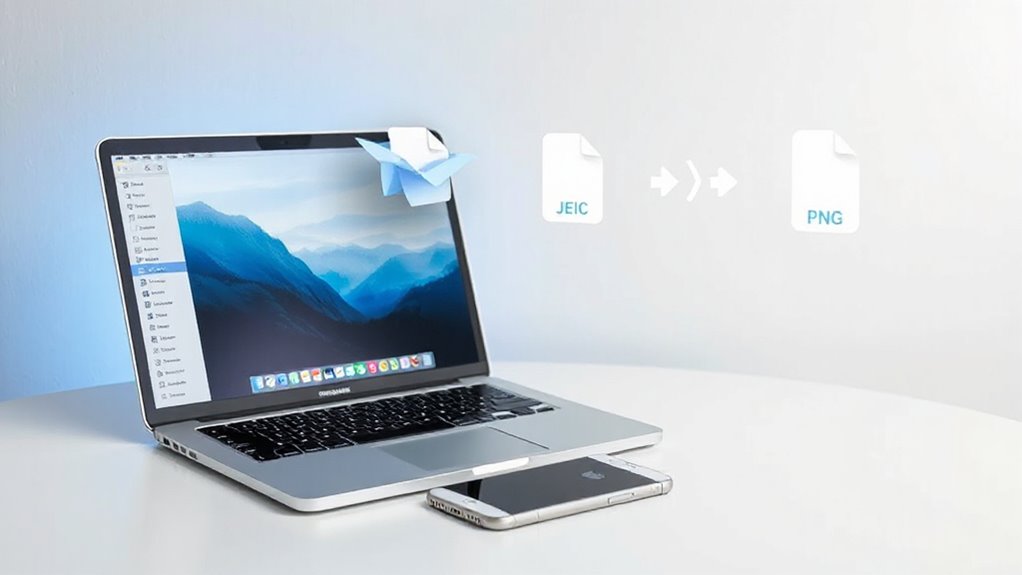
Countless Mac users encounter a familiar frustration when receiving photos via Airdrop from iPhones: the HEIC file format that refuses to cooperate with many applications and workflows. While HEIC offers superior compression compared to JPEG while maintaining image quality, its incompatibility with many non-Apple apps and browsers creates unnecessary obstacles. This is precisely where Dropformer steps in as a practical solution.
Dropformer is a menu bar application designed specifically to automate the conversion of Airdropped HEIC photos to JPEG or PNG formats. Rather than requiring users to open separate applications or navigate through multiple steps, this tool operates directly from the Mac menu bar with simple drag-and-drop functionality. The approach targets seamless workflow integration for Mac users who regularly receive iPhone photos, eliminating the manual conversion process that disrupts productivity. It also fits well with best practices for handling digital files like centralized repositories to keep converted photos organized.
The application handles both single files and batch conversions instantly, ensuring that users can process their images without delays. This automation addresses one of the primary reasons for converting HEIC files: ensuring compatibility across different devices and browsers. When photos need to display immediately in non-Apple environments, having them automatically converted eliminates manual errors and improves the overall user experience. Converting to JPG typically yields smaller file sizes that contribute to faster page loads and reduced bandwidth consumption. The HEIF format uses HEVC compression, which is the same H.265 standard developed for high-efficiency video encoding.
For those seeking alternatives, several methods exist. Mac’s native Finder offers Quick Actions that allow right-clicking HEIC files to convert them to JPEG, PNG, or HEIF, with options to preserve metadata and adjust size settings. Online converters like HEIC.online provide browser-based solutions that handle up to 100 files in batch mode, preserving original dimensions and quality while offering cloud storage integration. Desktop tools such as iMazing HEIC Converter deliver free bulk conversion capabilities for those preferring offline solutions.
However, Dropformer’s strength lies in its integration specifically with the Airdrop workflow. By residing in the menu bar and accepting dragged files directly, it removes friction from the exact moment Mac users encounter HEIC incompatibilities. This targeted approach makes it particularly valuable for professionals and casual users alike who want their Airdropped photos immediately ready for use across any platform or application without additional steps or considerations.
Related Posts