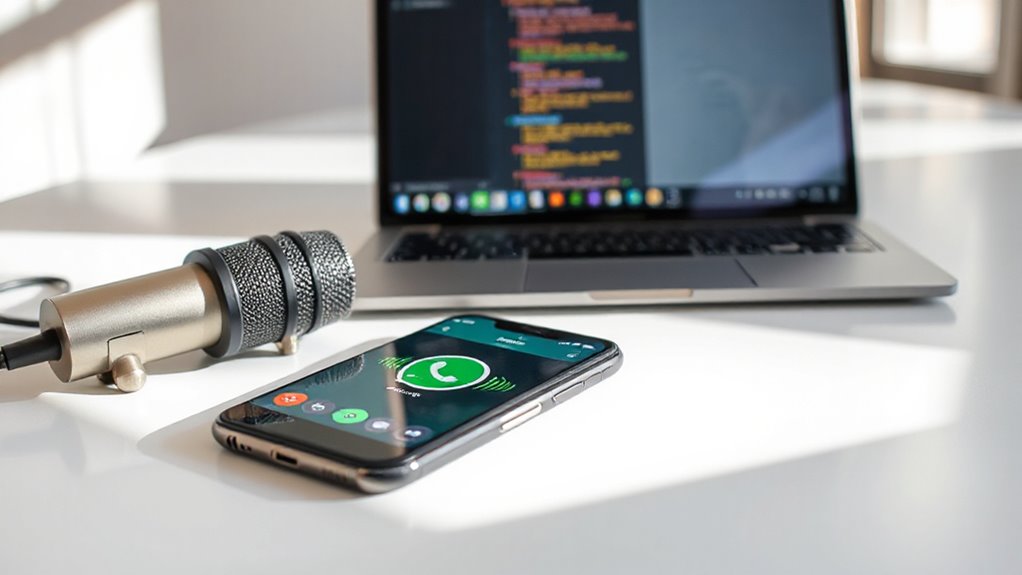
Recording WhatsApp calls presents unique challenges that stem from the platform’s deliberate privacy-first design philosophy, which intentionally excludes native recording features to protect users from unauthorized audio capture.
WhatsApp’s privacy-first design deliberately omits native recording features to prevent unauthorized audio capture during calls.
Platform-level audio routing restrictions prevent standard screen recording from capturing call audio, making software-based solutions inconsistent and unreliable. However, several practical methods exist to overcome these technical barriers while maintaining call quality.
For Android users with devices manufactured after 2019, native screen recording capabilities offer a straightforward solution. Android 10 and later versions can record both sides of WhatsApp calls when users activate speaker mode and select “Internal audio” as the sound source in screen recording settings. Performance varies depending on phone model and Android version, though popular brands including Samsung, Xiaomi, and Huawei generally support this functionality effectively. Many cloud services also let users back up recorded files automatically to cloud storage for easy access across devices.
iPhone users face more restrictive limitations due to iOS audio routing policies. The built-in screen recording feature, accessed through Control Center, typically captures only the user’s voice via microphone unless speakerphone mode is activated. Both microphone and system audio settings must be enabled before initiating calls to maximize recording success, though results remain less consistent than Android alternatives.
Desktop recording solutions provide superior audio and video quality for WhatsApp Web and Desktop users. Mac users can utilize QuickTime‘s “New Screen Recording” feature or the screenshot toolbar accessed via Command + Shift + 5, while Wondershare UniConverter offers reliable cross-platform recording for both Windows and macOS systems. Desktop recordings benefit from larger storage capacity, better processing power, and easier file management compared to mobile methods.
External hardware devices represent the most dependable recording method across all platforms. Plaud Note attaches magnetically to smartphones, automatically detecting and recording calls through its phone call recording mode. For video calls, its onsite recording mode captures ambient sound when calls play through speakers. The companion wearable, Plaud NotePin, offers button-activated recording that begins before call commencement.
These hardware solutions incorporate advanced AI transcription capabilities with speaker recognition technology, automatically distinguishing between participants and generating organized transcripts. This combination of reliable recording and intelligent processing transforms WhatsApp conversations into searchable, summarized documentation for professional and personal reference. Conference-call recording methods can introduce audio degradation and may require subscription fees, making them less practical for regular use.